

Original
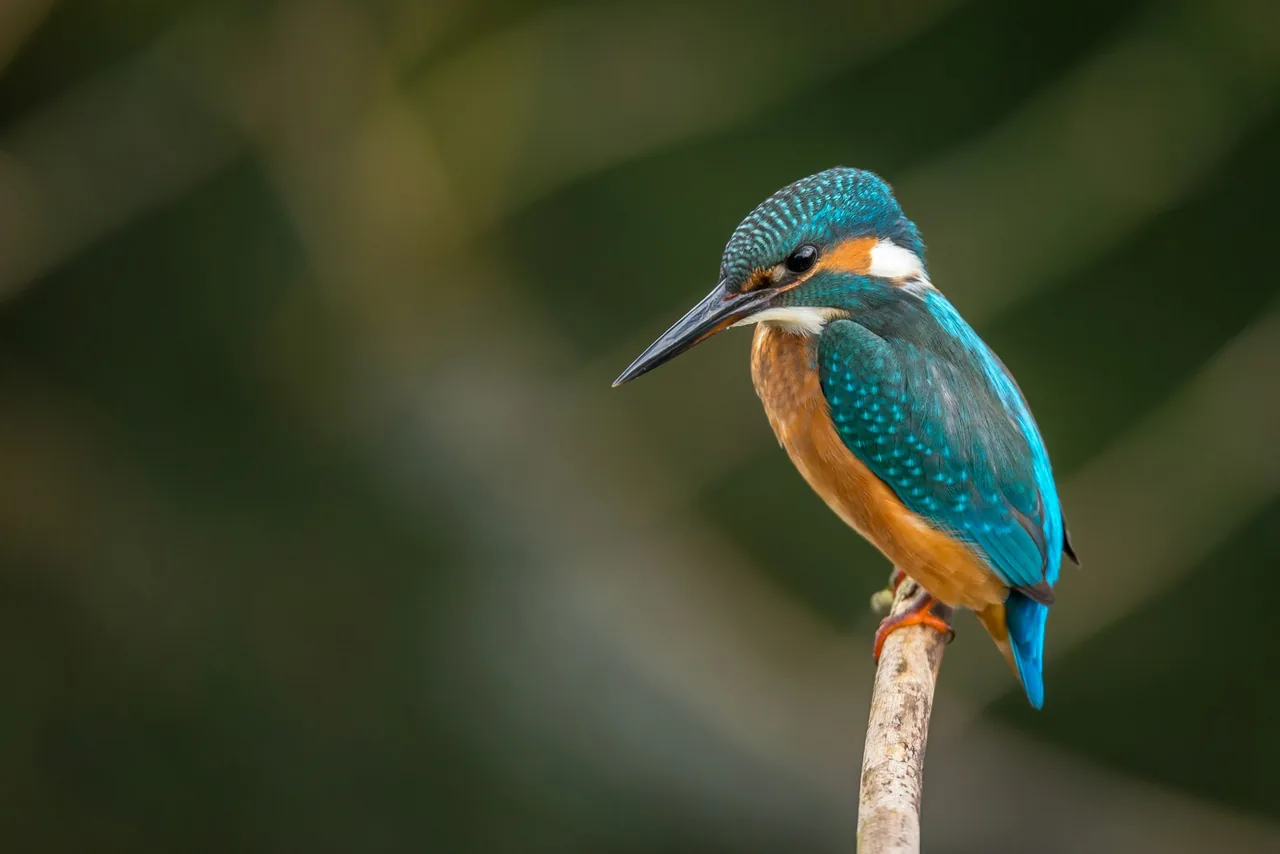
4× Upscaled
Upscale a Portrait
Sharper detail —2× & 4×
Enlarge a headshot or portrait with AI so skin and hair stay usable. 2× or 4× — free 2×, no watermark. Not a face-swap or beauty filter.
or drag & drop images here (JPG, PNG, WEBP)
UploadUpscale 2× / 4×Download
🔒 Private processing: your files aren’t kept as a public gallery.
No image?
Try one of these:
By uploading an image you agree to our Terms of Service. To learn more about how we handle your personal data, check our Privacy Policy.
Stunning Quality
Drag the slider handle to see before and after upscaling
How to enlarge a portrait
Add resolution for a larger slot — not a beauty filter.
- 1
Choose an image
Drop a JPG, PNG, or WEBP up to 20 MB — no account needed.
- 2
Let AI upscale
Pick 2× (free) or 4× (Pro), then check the compare slider.
- 3
Save the result
Free 2× is a WebP up to 1280px with no watermark; Pro keeps full 2× / 4× / 8×.
In one sentence
Filvo Image Upscaler enlarges photos with AI. The file is sent through Filvo’s API to generate the larger image, then returned for download. There is no public gallery and no watermark.
Filvo vs typical cloud AI tools
The file is sent only to generate the result. Filvo does not keep a public gallery.
| Feature | Filvo | Typical cloud tools |
|---|---|---|
| Where the file goes | Through Filvo’s API to generate the result, then not kept in a gallery | Uploaded and often stored or used in marketing |
| Account to try | Not required for cutout and upscale. Object removal needs sign-in | Usually required |
| Watermark | Never on the download | Common on free tiers |
| Public gallery of uploads | No | Sometimes used for marketing |
| Free tier | A few lifetime tests, then a $0.99 day pass for HD | Credits or a tight daily cap |
| Pro unlock | Day, week, or month pass — HD download and batch up to 25 | Paid credit packs or a $10–$20 monthly plan |
How to upscale a portrait photo
A small headshot on a large layout is the usual problem — not “make me look different.”
Portrait upscaling is judged on hair, glasses, and skin. A product-style enlarge that over-sharpens pores looks worse than a slightly soft photo. Filvo uses the same AI as the main upscaler; this page’s samples and FAQ assume a person is the subject.
Good sources are already reasonably sharp. A motion-blurred party shot will not become a studio headshot.
Directory grids vs print programs
A company directory often needs a consistent pixel box. Enlarge first so you are not stretching, then crop in the editor. Print programs and posters are the 4× case.
If you also need a white ID field, that is a background job, not this page.
Steps to enlarge a headshot
Upload the largest face crop you have (or the full original). Wait for 2×. Check hair and glasses in the slider. Step up to 4× on Pro only if the layout still looks short. Download, then crop to the slot size.
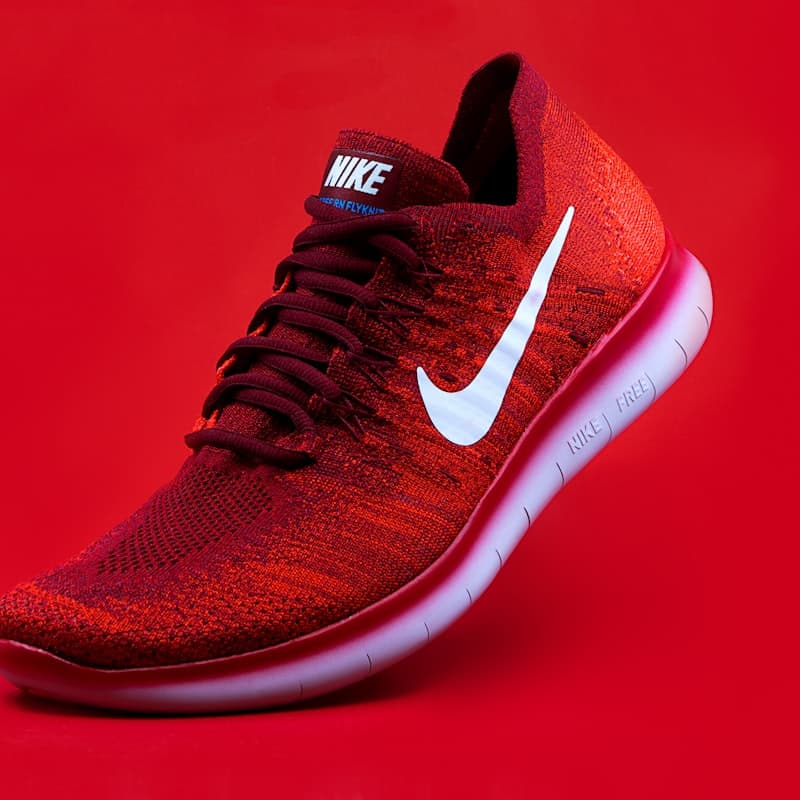
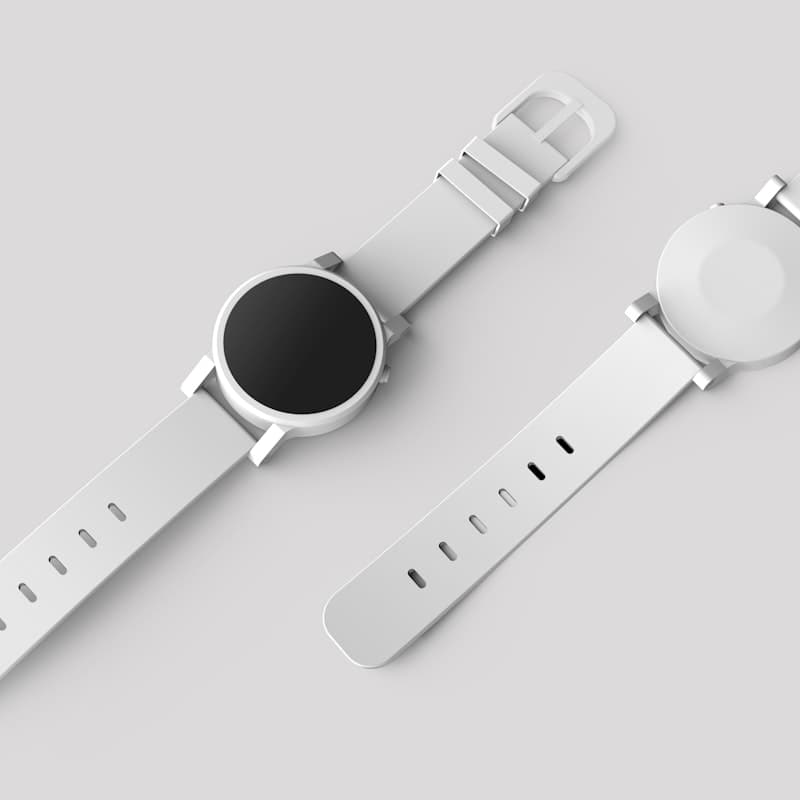



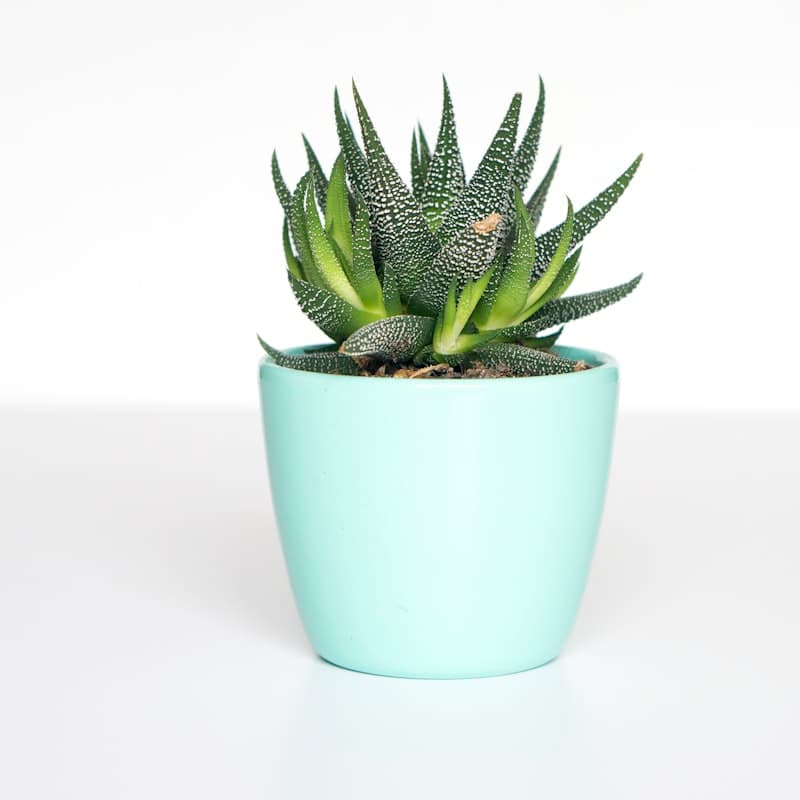
Sharper files when the photo is too small
Enlarge catalog shots, portraits, and scans with AI — 2× is free, 4× is Pro. Not a blurry stretch.
Compare before you save. No watermark. Cut out the subject or compress the result next.
Frequently asked questions
A small headshot on a large layout is the usual problem — not “make me look different.”
More ways to upscale
Same AI — 2× or 4× already selected.

Image Upscaler
The main AI enlarge tool — 2× or 4×, any subject.

Upscale an Old Photo
Family scans and old downloads are short on pixels. This page aims at those files, not a fresh phone shot.
Enlarge a Photo Online
“Make it bigger” is a super-resolution job. Upload the small file; download a larger one you can actually use.
2× Image Upscaler
The everyday enlarge. Studio opens on 2× so web and social files do not balloon past what you need.
Explore related tools
Cut out, compress, or crop after you enlarge.
Image Compressor
Active 🔥Shrink the upscaled file for the web without muddy artifacts.
Remove Background
Active 🔥Cut out the subject before or after you enlarge the image.
Object Removal
Active 🔥Erase a person, watermark, or stray object from the photo.
Image Editor
Active 🔥Resize, crop, or watermark after you enlarge the photo.
Color Picker
Active 🔥Need to extract colors from your image? Try our Color Picker.
Upscale your image
Free 2× preview — no account. A $0.99 day pass unlocks full 2×, 4×, and 8×.
or drag & drop images here (JPG, PNG, WEBP)
UploadUpscale 2× / 4×Download
🔒 Private processing: your files aren’t kept as a public gallery.
No image?
Try one of these:
By uploading an image you agree to our Terms of Service. To learn more about how we handle your personal data, check our Privacy Policy.