








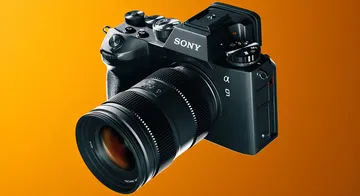
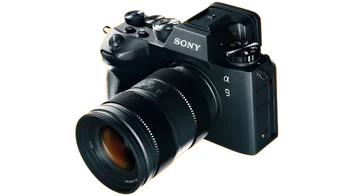


Add a White Background
Fast, Secure & PrivateAI cutout
Put any product or portrait on a clean white background online. AI removes the original backdrop and starts you on studio white — free, no watermark.
or drag & drop images here (JPG, PNG, WEBP)
UploadAI removes backgroundDownload PNG
🔒 Private processing: your files aren’t kept as a public gallery.
No image?
Try one of these:
By uploading an image or URL you agree to our Terms of Service. To learn more about how we handle your personal data, check our Privacy Policy.
Stunning Quality
Drag the slider handle to see before and after background removal


How to add a white background
Cut out the subject, then export on #FFFFFF — already selected for you.
- 1
Choose an image
Drop a JPG, PNG, or WEBP — no account needed.
- 2
Let AI cut out the subject
Preview the edge on a checkerboard, color, or photo backdrop.
- 3
Save the result
Free is a web-sized PNG with no watermark; Pro unlocks original HD.
Just picture it
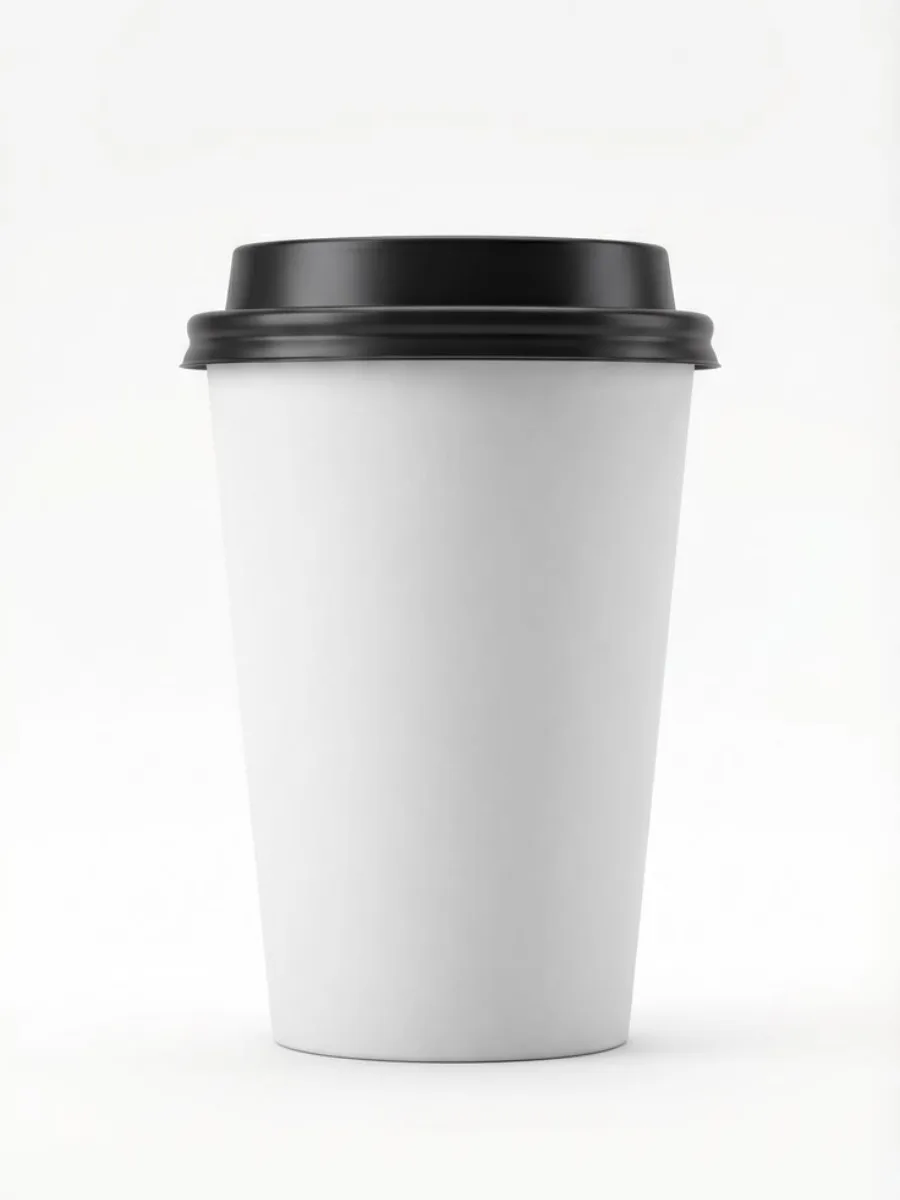


In one sentence
Filvo Background Remover isolates a subject as a transparent PNG. The file is sent through Filvo’s API to generate the cutout. Filvo does not keep a public gallery, and downloads have no watermark.
Filvo vs typical cloud AI tools
The file is sent only to generate the result. Filvo does not keep a public gallery.
| Feature | Filvo | Typical cloud tools |
|---|---|---|
| Where the file goes | Through Filvo’s API to generate the result, then not kept in a gallery | Uploaded and often stored or used in marketing |
| Account to try | Not required for cutout and upscale. Object removal needs sign-in | Usually required |
| Watermark | Never on the download | Common on free tiers |
| Public gallery of uploads | No | Sometimes used for marketing |
| Free tier | A few lifetime tests, then a $0.99 day pass for HD | Credits or a tight daily cap |
| Pro unlock | Day, week, or month pass — HD download and batch up to 25 | Paid credit packs or a $10–$20 monthly plan |
How to put a photo on a white background
A white studio field is still the default for marketplaces, catalogs, and many print layouts.
Shooting on a real white sweep is ideal, but most phone photos are taken on a table, a wall, or a busy shelf. Rather than reshoot, you can cut the subject out and place it on #FFFFFF. That is what this page is for: the same Filvo remover, with white already selected so you do not hunt for the swatch.
White is not the same as transparent. A white PNG (or a transparent PNG composited on white) looks correct in Amazon, Shopify theme cards, and email. A transparent file on a dark site theme will show the page color through the holes — which is wrong for those listings.
Amazon, Shopify, and catalog photos
Main marketplace images usually want the product fully visible, no props, and a white or very light field. Crop after the cutout if the item sits too small in the frame. Soft contact shadows are optional; this tool gives you a flat white you can shade later in the editor.
If a channel rejects “too much white space,” enlarge the subject with the image editor instead of adding clutter back into the photo.
How to get a white background in seconds
Upload the photo on this page. After the AI cutout, the studio background is already white. Download the PNG. Need the same asset on a brand hex later? Switch the color in the studio or start from the transparent PNG page and keep a master without a baked-in fill.




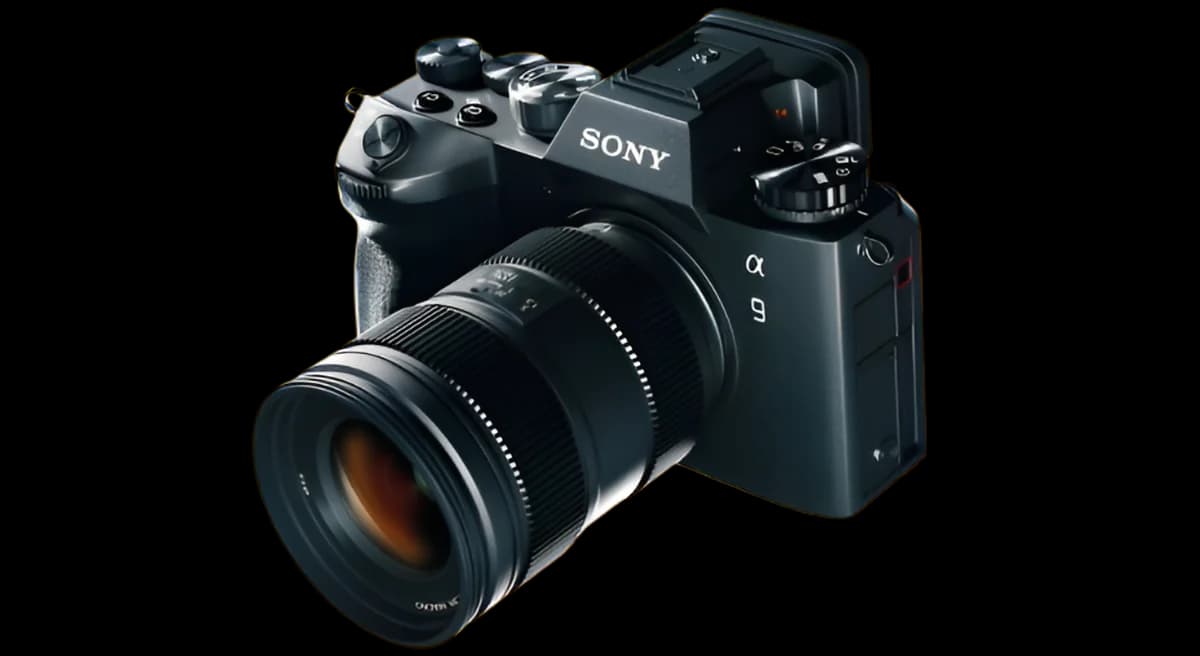
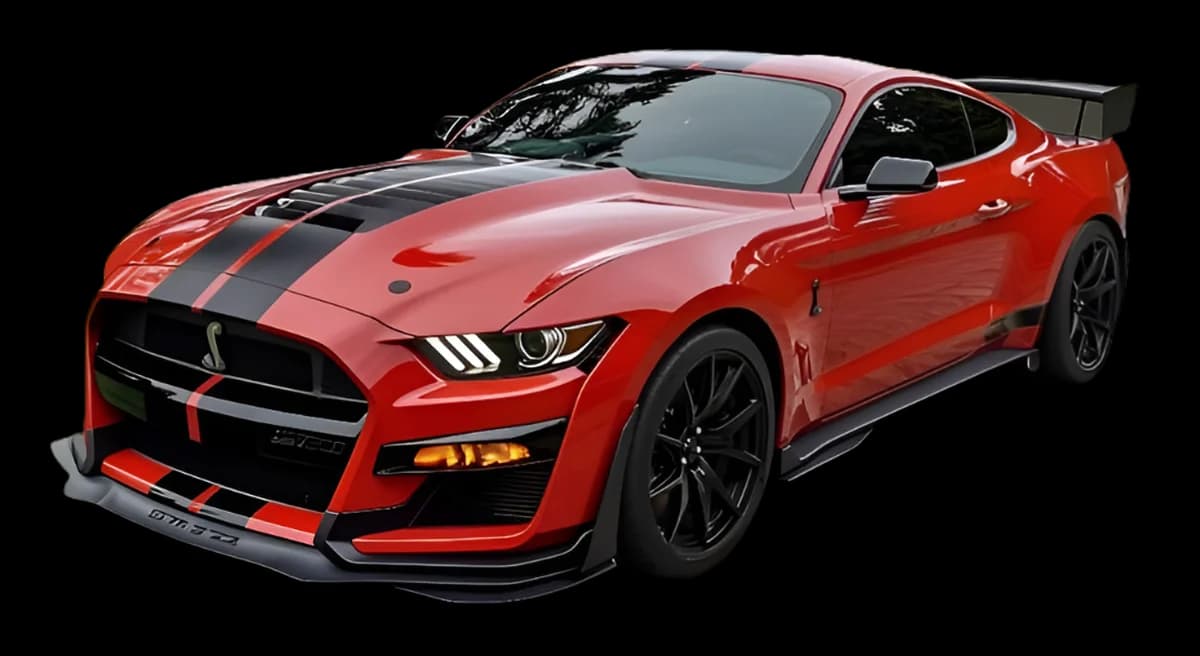
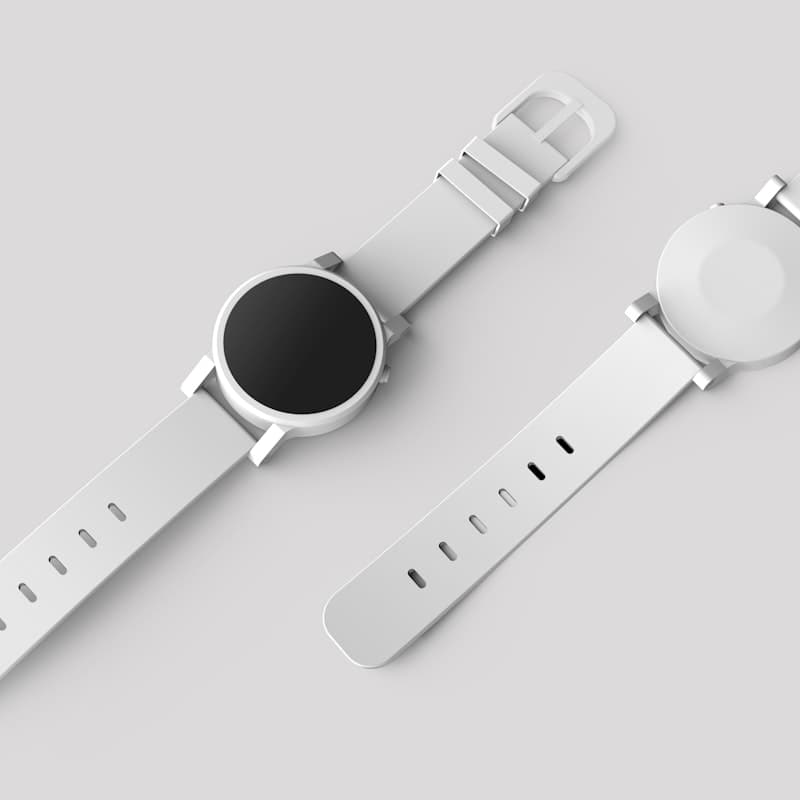
Cut a whole catalog in one sitting
Drop product shots, portraits, or cars and download a transparent PNG — no watermark.
Pro queues up to 25 images in one studio session. After the cutout, compress or enlarge without leaving Filvo.
Frequently asked questions
A white studio field is still the default for marketplaces, catalogs, and many print layouts.
Try it with your photo
Free web-sized PNG — no account. A $0.99 day pass keeps the original HD cutout.
or drag & drop images here (JPG, PNG, WEBP)
UploadAI removes backgroundDownload PNG
🔒 Private processing: your files aren’t kept as a public gallery.
No image?
Try one of these:
By uploading an image or URL you agree to our Terms of Service. To learn more about how we handle your personal data, check our Privacy Policy.
More ways to remove a background
Same AI — matching default backdrop already selected.
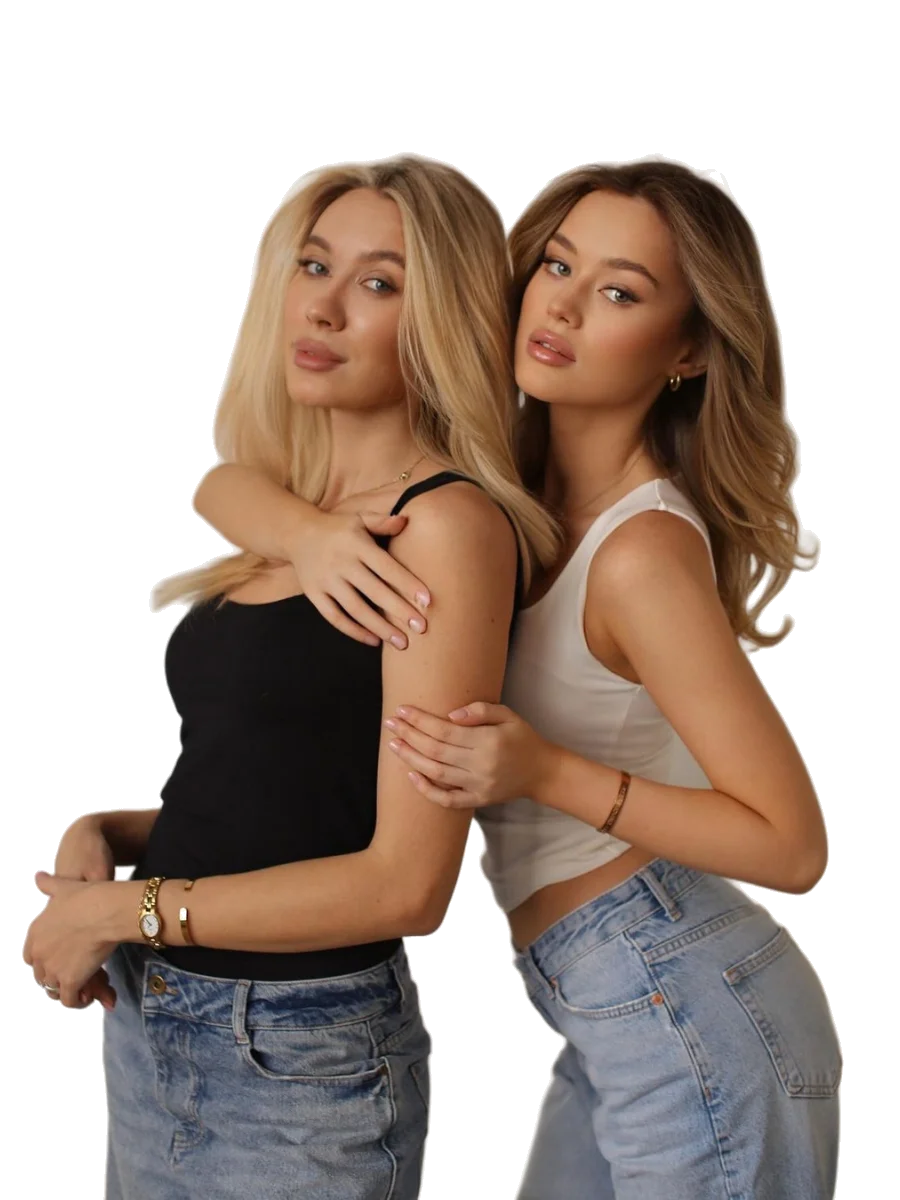
Background Remover
The main AI cutout tool — any subject, transparent PNG by default.
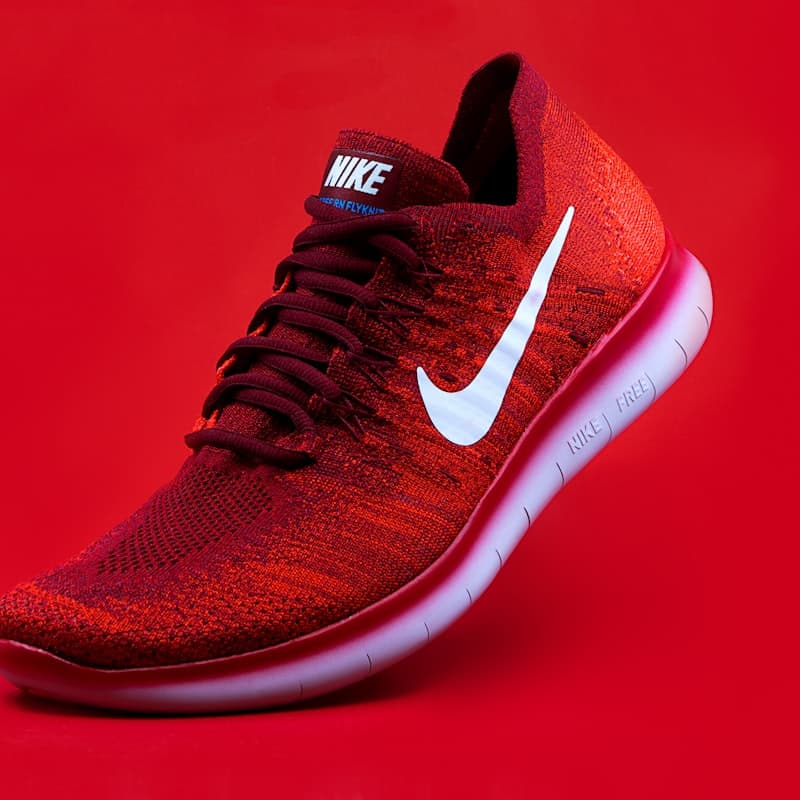
Product Photo Background Remover
Built for listings: bottles, shoes, electronics, and packs. Upload a catalog shot and get a shop-ready cutout.
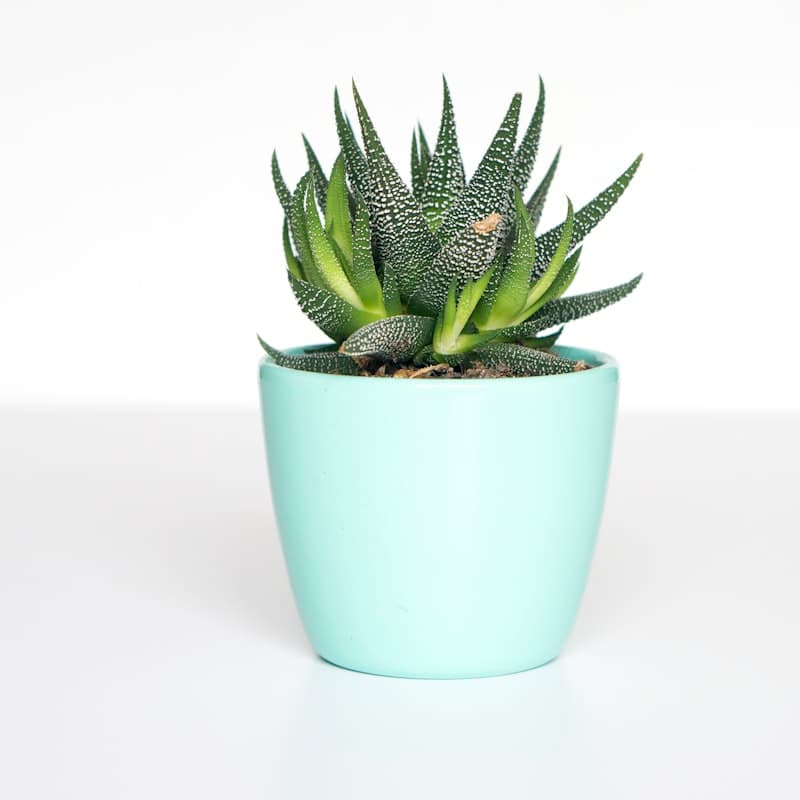
Make a Transparent PNG
Need a see-through background? Upload a JPG or PNG and download a transparent PNG with a clean alpha channel.

ID Photo White Background
Head-and-shoulders on #FFFFFF. Useful for drafts, intranet badges, and forms that ask for a white field. Check official size rules separately.
Explore related tools
Compress, enlarge, or crop after the cutout.
Image Editor
Active 🔥Resize by pixels, crop, and watermark the cutout on a canvas.
Image Compressor
Active 🔥Reduce PNG file size after removing background.
Image Upscaler
Active 🔥Enlarge cutouts 2× or 4× with AI super-resolution.
Object Removal
Active 🔥Erase a person, watermark, or stray object from the photo.
Color Picker
Active 🔥Need to extract colors from your image? Try our Color Picker.
Get Updates
Occasional tips on background removal, new tools, and product updates. No spam.
By subscribing you agree to our Privacy Policy.